



Overview
Do you have Niva Bupa health insurance and are wondering how to check the claim status.
This guide is for those who have already purchased its plans and want to know more about the Niva Bupa claim status login process, including the steps for cashless and reimbursement.
What Is Niva Bupa Claim Status?
Niva Bupa claim status refers to the real-time updates on the progress of your health insurance claim, whether it is a cashless or reimbursement. Staying informed about your claim status not only offers peace of mind but also helps you plan your finances better.
When you file a claim, it moves through several stages:
- Registered: Your claim has been received and logged in the system.
- Under Review: The insurer is verifying your documents and assessing medical necessity.
- Pending: The insurer is waiting for additional documents or clarification from you or the hospital.
- Approved: The claim has been sanctioned, and payment is being processed.
- Rejected: The claim has been declined, along with a stated reason.
Talk to an expert
today and
find
the right
insurance for you.


How to Check Niva Bupa Claim Status Online?
Step 1: Visit the Niva Bupa customer service portal.
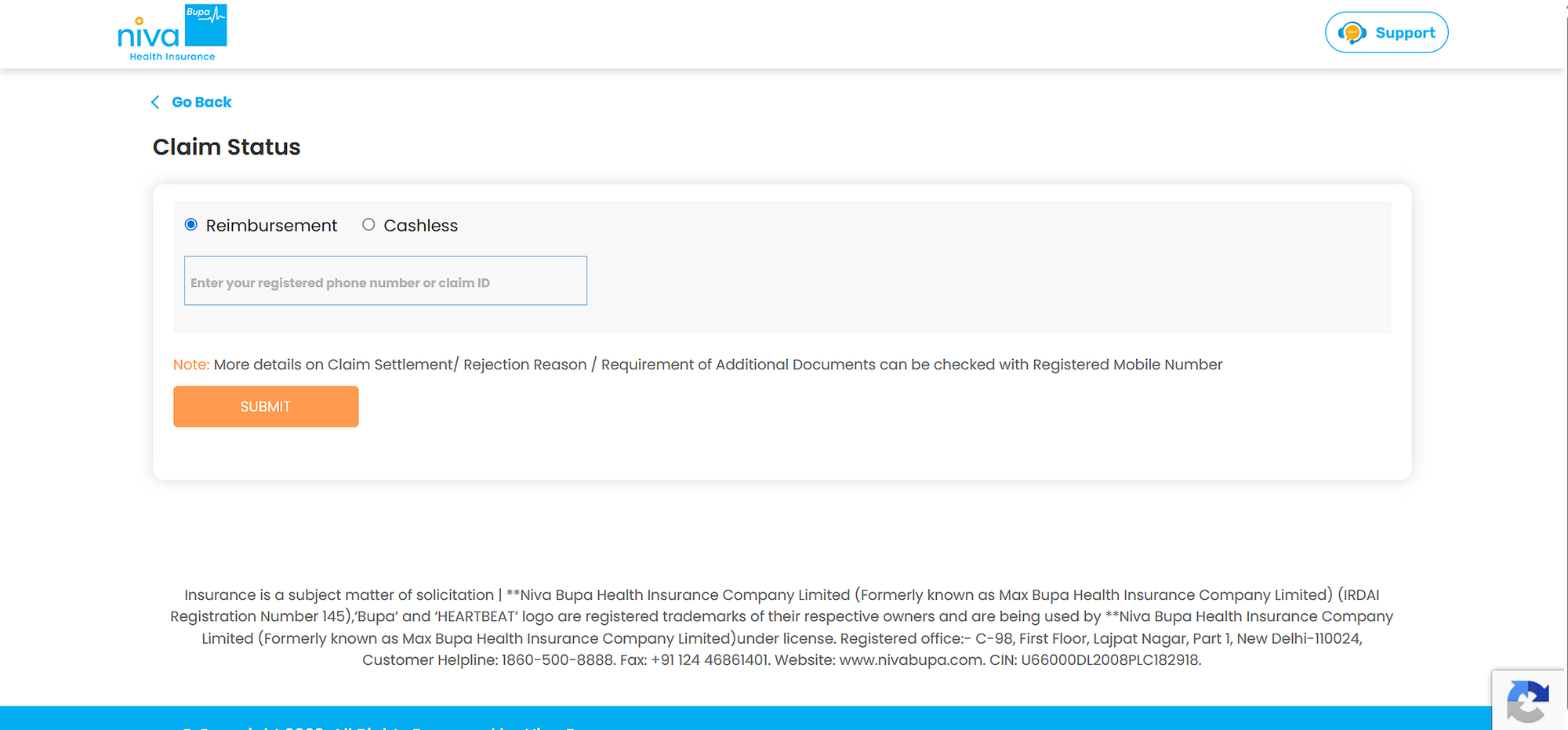
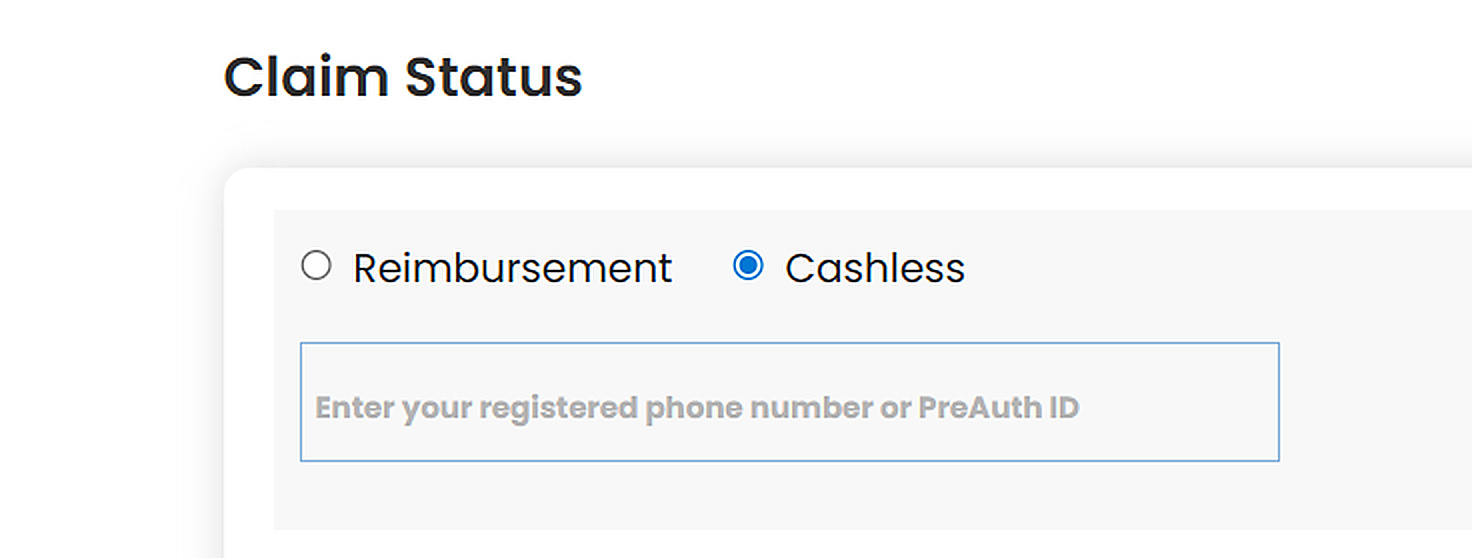
Step 2: Click on either ‘Cashless’ or ‘Reimbursement’ based on your claim type.
Step 3: If you click on ‘Cashless,’ you need to provide your registered mobile number or PreAuth ID.
Step 4: If you click on ‘Reimbursement,’ you need to provide your registered mobile number and claim ID.
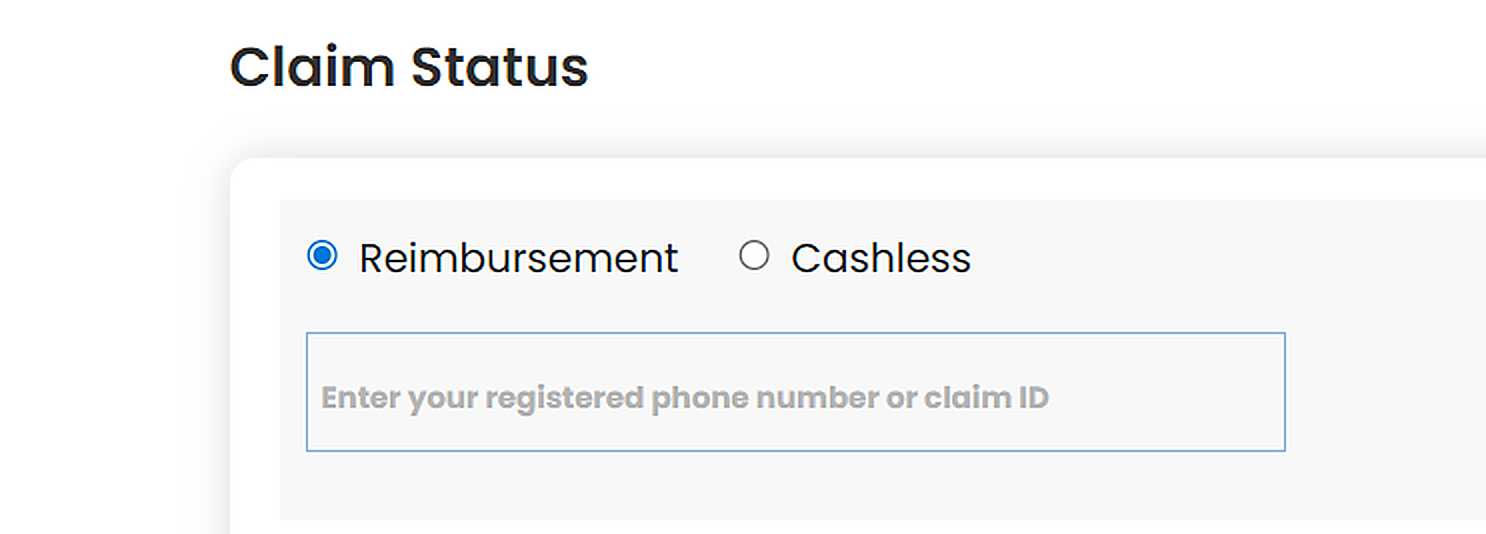
Once done, you will get an update on your Niva Bupa claim status, including other details related to claim settlement, rejection, or the requirement of additional documents.
Alternative Ways to Check Niva Bupa Claim Status
Niva Bupa: Performance Metrics
Notes:
- ICR and the industry average are based on FY 2023-25, while the other metrics are updated for FY 2024-26.
- Niva Bupa's complaints dropped to an all-time low of 29.19 per 10,000 claims in FY2025-26, down from 43.44 in FY2024-25, its sharpest fall yet.
- This information is sourced from the IRDAI annual reports, Ditto Data Lab, and Niva Bupa's public disclosures.
For a complete picture of the insurer, check our Niva Bupa Health Insurance review.
How to Track Claim Status on the Niva Bupa App?
Step 1: Download the Niva Bupa Health app from the Google Play Store or Apple App Store.
Step 2: Log in using your registered mobile number and OTP, or your existing portal credentials.
Step 3: Tap on the 'Claims' section from the home screen.
Step 4: Select your active or recent claim to view real-time status updates, pending document requests, and the approved amount.
Step 5: If documents are pending, use the in-app upload feature. Ensure each uploaded file does not exceed 5 MB. Accepted formats include JPG, JPEG, GIF, PDF, and PNG. Documents that are not legible may be rejected.
Note: All outpatient department (OPD) reimbursement claims for Aspire (WellConsult) and ReAssure 3.0 (WellConsult+) policies must be submitted only via the Niva Bupa mobile app. No other submission modes are accepted for these claim types.
Cashless vs. Reimbursement Claims: What to Track and When
For Cashless Claims
As per IRDAI regulations, the insurer must approve the initial pre-authorization within 1 hour and grant final discharge authorization within 3 hours of the hospital's request. Niva Bupa's own policy wording says that if discharge authorization takes longer than 3 hours, it will bear any extra charges the hospital levies for the delay.
What to Track: For cashless claims, track the pre-authorization approval status via the app or helpline, and confirm the discharge authorization has been issued before you leave the hospital.
For Reimbursement Claims
Reimbursement claims under Niva Bupa health insurance plans are settled within 15 days of Niva Bupa receiving all required documents.
What to Track: Track submission acknowledgment, document completeness status, and the final settlement transfer to your bank account via the portal or app.
For more details, refer to our guide on cashless and reimbursement claims in health insurance.
Documents Required for Niva Bupa Claims
Documents Required for Cashless Claims
For cashless hospitalization claims, the following documents are generally required:
- Health insurance card or policy document
- Valid government ID proof
- Doctor’s consultation papers
- Pre-authorization request form
- Hospital admission and treatment records
Most of these documents are usually submitted directly by the hospital to the insurer.
Documents Required for Reimbursement Claims
For reimbursement claims, policyholders are typically required to submit:
- Duly filled claim form
- Original hospital bills and payment receipts
- Discharge summary
- Diagnostic and medical test reports
- Pharmacy bills and invoices
- FIR or medico-legal documents, if applicable
- KYC documents
- Canceled cheque or bank account details
Ditto’s Take: Submitting complete and accurate documentation is important, as missing or incorrect documents are one of the most common reasons for claim delays or rejections.
For more detailed information, refer to our guide on documents required for health insurance claims.

What to Do if Your Niva Bupa Claim Is Rejected?
Step 1: Review the Rejection Letter
Start by carefully reviewing the rejection communication sent by the insurer. Niva Bupa health insurance is required to specify the reason for denying the claim. This will help you determine whether the issue is related to paperwork, policy terms, exclusions, or medical eligibility.
Step 2: Submit Missing Documents or Clarifications
If the rejection occurred because of incomplete paperwork or insufficient information, you may be able to resolve the issue by submitting the required documents. This may include discharge summaries, diagnostic reports, doctors’ notes, invoices, or additional medical records.
Step 3: File an Internal Grievance
If you believe the rejection is wrong, raise it with Niva Bupa's customer care or through Insta Assist. If that doesn't resolve it, submit a complaint on Niva Bupa's grievance portal, and then escalate to its Grievance Redressal Officer (GRO) through the same portal. Explain your concern clearly and attach supporting documents or medical opinions.
Step 4: Escalate the Matter
If the insurer does not resolve your grievance satisfactorily, you can escalate the complaint to IRDAI. Policyholders can register complaints through the IRDAI grievance platform, Bima Bharosa, or contact their helpline numbers.
Step 5: Approach the Insurance Ombudsman
If the issue still remains unresolved, you can approach the Insurance Ombudsman. The Ombudsman acts as an independent authority that helps settle disputes between policyholders and insurance companies fairly and impartially.
Bottom Line: A rejected health insurance claim does not always indicate fraud or insurer misconduct. In many cases, claims are denied due to documentation issues, policy exclusions, waiting periods, or non-disclosure of medical conditions. To learn more, refer to our guide on health insurance claim rejection reasons.

Why Choose Ditto for Health Insurance?
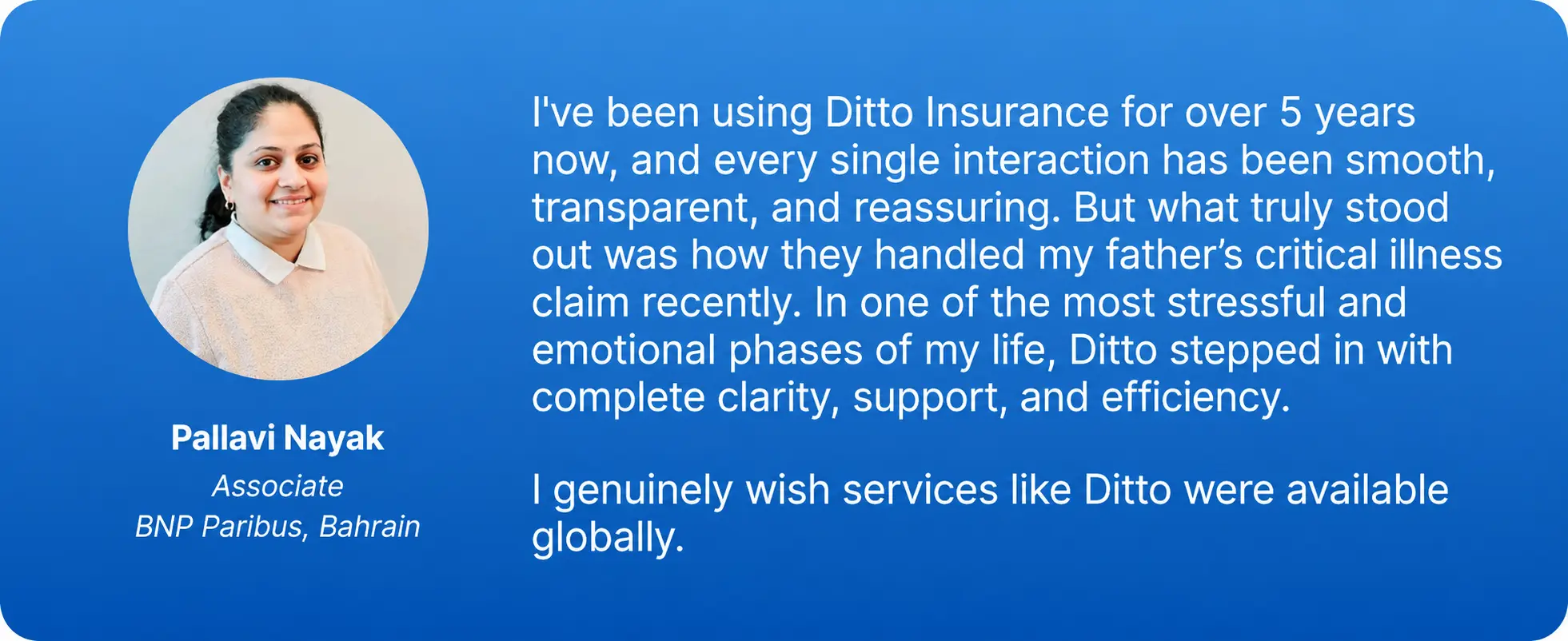
At Ditto, we’ve assisted over 12,00,000 customers choose the right insurance policy. Why customers like Pallavi love us:
- 100% Free Consultation
- No Spam. No Sales Pressure.
- Rated 4.9/5 on Google Reviews by 30,000+ Happy Customers
- Backed by Zerodha
- Dedicated Claim Support Team
- Compare Plans and Premiums with a Trusted Insurance Advisor
Confused about the right insurance? Speak to Ditto’s certified advisors for free, unbiased guidance. Book your call now or chat with us on WhatsApp. Slots fill up fast!
Conclusion
Checking your Niva Bupa claim status is straightforward once you know where to look on the official portal, in the mobile app, or via the 24/7 helpline. The important step is staying proactive and respond quickly to document requests, track each stage of the claim, and escalate early if something seems off. A good health insurance plan should work smoothly when you actually need it. If you have bought your Niva Bupa health insurance policy through Ditto and need any claims assistance, our advisors are just a call away.
Frequently Asked Questions
Last updated on: